
How to Sign Up for A Meets
Athlete Meet Declaration and Event Sign-up
Click on the green Meet Entry button to sign your athletes up for meet events.
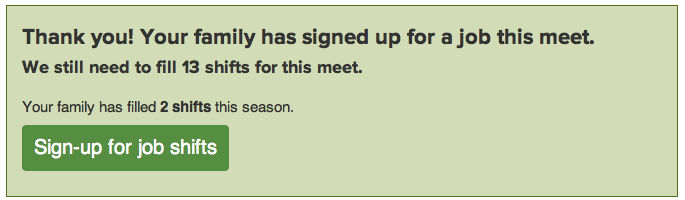
You may see a volunteer job confirmation window with a link to go back and sign up for job shifts.
Underneath you will see a list of athletes associated with your account. Click Edit to add or change their attendance and relay declarations, or to add, change, or delete events for your athletes (if your coach allows event selection).
Select an attendance option from the drop-down menu next to each athlete's name. If your coach allows event selection, a list of events will appear if you select Attending. Check which events you would like to enter for each athlete, up to the limit indicated on the top right.
Click the Save button to save your selections.
Text Area
Simple formatted text

